
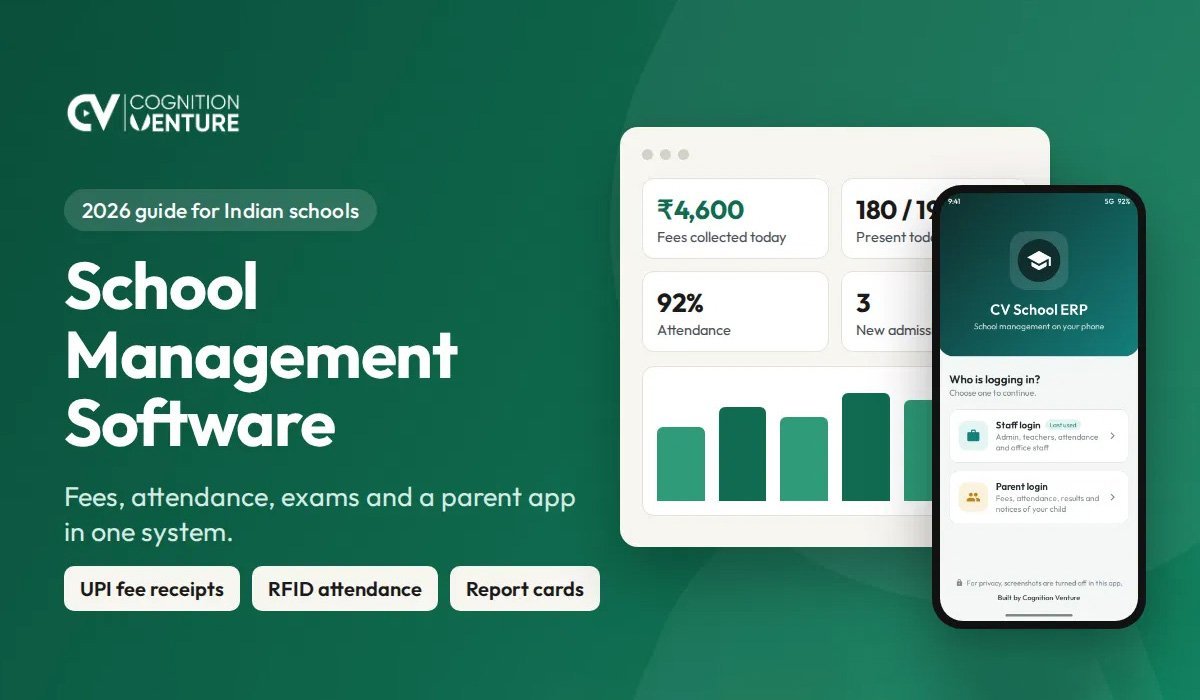
Quick answer: School management software is one system that runs the daily office work of a school. It keeps student records, collects fees, marks attendance, prepares report cards, pays staff and sends messages to parents. A good school ERP replaces paper registers and scattered Excel files, so the office does each job once and everyone sees the same correct data.
This guide is for school owners, principals and office staff in India. It explains what the software does, which features matter here, and how to choose one.
What is school management software?
School management software, also called a school ERP or school management system, is a web application for running a school. Staff open it in a browser or a mobile app. Each person sees only the work meant for them.
The office clerk takes fees and prints receipts. The teacher marks attendance and enters marks. The accountant checks the day's collection. The principal sees the whole school on one dashboard. Parents see their own child's fees, attendance and results.
The main point is simple. A student's details are entered once at admission. After that, the same record is used for fees, attendance, exams, certificates and messages.
Registers and Excel compared with school management software
Take fee collection first. With registers, the clerk writes each receipt by hand and counts the dues by hand. With school management software, the receipt is printed in seconds and the dues list is always ready.
Attendance works the same way. A paper register needs monthly totals to be added by hand. In the software, attendance is marked on a phone or by RFID card, and the totals are worked out automatically.
Informing parents also changes. Schools that work on paper depend on phone calls and diary notes. The software sends an SMS or an app alert, and parents can check the parent portal on their own.
Report cards take the most time on paper, because marks are copied and totalled by hand. In the software, marks are entered once and report cards are printed for the whole class.
Finding an old record means searching through files. In the software, you type a name or an admission number and the record opens.
Mistakes on paper are found late and are hard to trace. In the software, every change is logged with the name of the person and the time.
The owner also sees the school differently. With registers and Excel, the owner waits for the month-end report. With the software, live figures are there at any time.
Main modules of a school ERP
A school ERP is made of modules, and each module handles one part of the school's work.
The admissions and enquiry module keeps enquiries, follow-ups, admission forms and student numbers. The student records module holds each student's profile, documents, class and section, and guardian details.
The fees module handles fee plans, receipts, late fines, concessions, dues and reminders. The attendance module covers student and staff attendance, absent alerts and monthly reports. The exams module covers the exam schedule, marks entry, grades, admit cards and report cards.
The timetable and homework module keeps the class routine and the daily homework and classwork. The staff and payroll module keeps staff records, leave, salary slips and deductions. The accounts module records income and expenses and keeps the day book and ledgers.
The library, transport and hostel modules look after books, routes and vehicles, and rooms and hostel fees. The communication module sends SMS, notices and app notifications. The certificates module prints the transfer certificate, bonafide certificate, character certificate and ID cards. The parent portal shows fees, attendance, results and notices to each parent.
A small school does not need every module on day one. Good software lets you switch modules on when you are ready.
Features Indian schools should ask for
Fee management with UPI receipts
Fees are the most important part for most private schools. The software should handle monthly, quarterly and yearly fee plans, late fines, concessions and sibling discounts. Parents in India pay by UPI, so the receipt should show a UPI QR and the office should be able to record the payment quickly. A daily collection report and a clear dues list are a must.
RFID attendance with absent SMS
With an RFID attendance system, a student taps a card at the gate and attendance is marked. If a child has not come by a set time, the parent gets an SMS. This saves the teacher's time and gives parents peace of mind. The software should also allow simple manual marking from a phone, because not every school wants cards.
Exams, marks and report cards
Teachers should enter marks once. The software then works out totals, grades and ranks, and prints report cards for the whole class. Admit cards, mark sheets and result summaries should come from the same data. The grading scale must be yours to set, because boards and schools differ.
Parent portal and Android app
Parents want answers without calling the office. A parent portal and an Android app should show fee dues, receipts, attendance, homework, notices and results. App notifications reach parents faster than paper notes and cost less than SMS.
Certificates and UDISE+ records
Indian schools issue many papers, such as transfer certificates, bonafide certificates, character certificates and ID cards. The software should print these from the student record with the school's seal and signature. It should also keep the student details that UDISE+ asks for in one place, so yearly data entry is quicker.
Staff payroll with PF, ESI and professional tax
Payroll should handle salary structure, leave, PF, ESI and professional tax, and produce salary slips. When payroll and accounts sit in the same system, the owner sees the true monthly cost.
Where is your school data kept?
This question is often skipped, and it matters most. Ask it before you sign.
There are two common models. In the first, many schools share one server owned by the software company. In the second, each school has its own installation on its own hosting, with its own database.
With your own installation, the school owns the data. You can take a backup any time. If you stop using the software, your records stay with you.
Whichever model you choose, ask for four things in writing. First, ask who owns the data. Second, ask how often backups are taken and where they are kept. Third, ask how you can export all your records. Fourth, ask who can log in, and whether every change is logged.
How to choose school management software
Use these ten points as a checklist before you buy.
The first point is that the software must be simple for the office clerk. If the clerk cannot take a fee in under a minute, the software will not be used. The second point is that it must work well on a phone, because teachers and owners will use it on mobile most of the time.
The third point is that the fee features must match how you really charge. Check fines, concessions, part payments and back dues. The fourth point is that receipts and report cards must carry your school's name, logo and signature.
The fifth point is that the parent portal and the app should be included, not sold as an extra later. The sixth point is that SMS and app alerts should be built in, so messages go out from the same system.
The seventh point is role based access. A teacher should not see salary, and a clerk should not be able to delete a receipt. The eighth point is that data ownership and backup must be clear and written down.
The ninth point is local support. You need someone who answers the phone, speaks your language and can visit if needed. The tenth point is a live demo with real screens. Do not buy from a presentation alone.
How to set up a school ERP, step by step
Start by deciding the start date. The start of a session or a term is best. Next, prepare the basics, which are the classes, sections, subjects, fee heads and the fee plan for each class.
Then bring in the student data. Import the student list from Excel instead of typing each student one by one. After that, enter the opening dues, so that old pending fees are not lost.
Train the office first. Begin with fees and attendance in week one, and leave exams and payroll for later. Then give logins to teachers, and let them start with attendance and homework.
Once the office and teachers are comfortable, open the parent portal. Share the login steps with a printed note and an SMS. After one month, review how it is going. Check the dues, the attendance reports and what the staff find hard.
Most schools fail by starting everything at once. Start with fees and attendance. Add the rest once those run smoothly.
Common mistakes to avoid
The first mistake is choosing software by the longest feature list. Choose by how easy the daily work is. The second mistake is not asking where the data is kept. Ask before you sign, and get the answer in writing.
The third mistake is skipping staff training. Good software still fails if the office does not know how to use it. The fourth mistake is keeping the paper register "just in case" for months. Two systems mean double work and two sets of numbers, so fix a date to stop the paper register.
The fifth mistake is buying software with no local support. Pick a company you can call and meet.
How Cognition Venture builds school management software
Cognition Venture is a software company in Malda, West Bengal. We build a school management web app for private schools in India.
Each school gets its own installation on its own hosting, so the school keeps its own data. The system covers admissions, student records, fees with UPI receipts, RFID and manual attendance with absent SMS, exams and report cards, timetable and homework, staff and payroll, accounts, library, transport, hostel, certificates and ID cards, a parent portal and an Android app with notifications. It works on a phone, tablet and computer.
We set it up, bring in your student data, train your staff and stay available for support in West Bengal and across India.
Frequently asked questions
What is school management software?
It is one system that handles a school's daily work: student records, fees, attendance, exams, staff salary and messages to parents.
Is school ERP the same as school management software?
Yes. School ERP, school management system and school management software mean the same thing in everyday use.
Can a small school use it?
Yes. A small school can start with student records, fees and attendance, and add other modules later.
Do parents need a computer?
No. Parents use the portal or the Android app on their phone.
Does it work without RFID cards?
Yes. Attendance can be marked by the teacher on a phone or computer. RFID is an option, not a must.
Is our school's data safe?
It depends on the software. Ask for separate logins for each role, a log of every change, regular backups and clear data ownership. With your own installation, the data stays under the school's control.
How long does setup take?
It depends on the size of the school and how ready the data is. A school with a clean student list in Excel can begin fees and attendance quickly, then add exams and payroll in steps.
Can old records be moved in?
Yes. Student lists and opening fee dues can be imported from Excel.